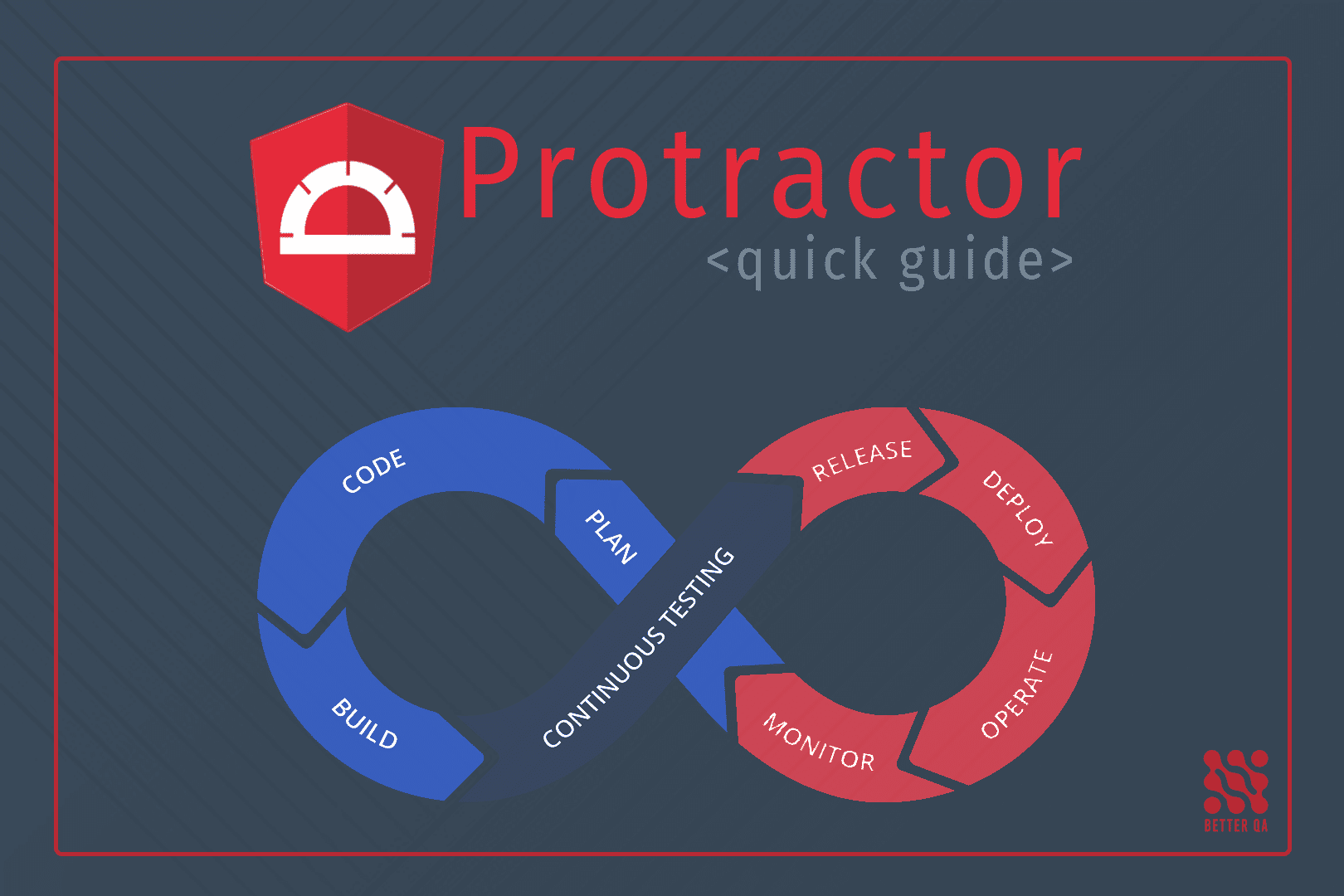
If you’re still running Protractor tests, you’re on borrowed time. Google officially deprecated Protractor in 2021, and Angular 12+ no longer includes it as the default E2E solution. The Angular team now recommends Playwright, Cypress, or WebdriverIO as replacements.
The good news: migration doesn’t have to mean manually rewriting every test. This guide shows you how to use Flows to either record your critical user journeys or paste your existing Protractor tests directly – the AI converts them to Playwright or Cypress automatically, cutting migration time from months to days.
Why Protractor Had to Go
Protractor was built for a different era of Angular development. It relied on WebDriver’s synchronous execution model and Angular-specific hooks like waitForAngular() that made sense when Angular 1.x dominated the landscape. But as Angular evolved toward standalone components and signals, Protractor’s architecture became a liability rather than an asset.
The deprecation wasn’t sudden. Google stopped active development in 2020, announced end-of-life in 2021, and by Angular 15 the framework had moved so far ahead that Protractor couldn’t keep up with modern change detection. Teams running Protractor today face mounting technical debt: no security patches, no compatibility updates, and a shrinking pool of developers who understand its quirks.
The Real Migration Problem
The obvious solution – manually rewriting tests – is where most teams get stuck. Protractor and Playwright have fundamentally different APIs. A simple element interaction in Protractor like element(by.css('.submit-btn')).click() becomes await page.locator('.submit-btn').click() in Playwright. Multiply that by hundreds of tests, add the complexity of converting browser.wait() calls and ExpectedConditions, and you’re looking at weeks of tedious work.
Worse, manual conversion introduces bugs. Developers unfamiliar with Playwright’s auto-waiting behavior add unnecessary waitForSelector calls. Teams copy-paste Protractor’s CSS selectors without realizing they could use more resilient data-testid attributes. The result is a “migrated” test suite that’s just as flaky as the original.
The Faster Path: Record Instead of Rewrite
Here’s the approach we use at BetterQA when helping teams migrate from Protractor: don’t translate old tests line by line. Instead, record the user journeys those tests were meant to verify, then export them to your target framework.
Flows is a Chrome extension that records browser interactions and converts them into production-ready test scripts for Playwright, Cypress, Puppeteer, or Selenium. You click through your application like a user would, and Flows generates the test code with intelligent selectors, automatic assertions, and proper wait strategies.
This approach has three advantages over manual migration. First, you’re testing actual user behavior rather than preserving potentially outdated test logic. Second, Flows generates modern selector strategies using data attributes and ARIA roles that survive UI changes. Third, the auto-wait system eliminates the timing issues that plague manually converted tests.
AI Test Import: Paste Your Protractor Tests Directly
For teams that want to preserve their existing test logic, Flows includes an AI-powered test import feature. Instead of re-recording, you paste your Protractor test code directly into Flows and the AI converts it to Flows steps automatically.
The import dialog accepts Protractor, Cypress, Selenium, or even plain English test descriptions. The AI analyzes the code structure, extracts the test steps, identifies selectors and actions, and maps everything to Flows’ internal format. You review the converted steps, make any adjustments, and import them as a new flow ready for export to Playwright.
This works especially well for complex tests with conditional logic or data-driven scenarios that would be tedious to re-record manually. The AI understands patterns like element(by.css('.selector')).click() and converts them to the equivalent Flows step with proper selector strategies. It handles browser.wait() calls, form interactions, navigation, and assertions.
The combination of AI import for existing tests and recording for new scenarios gives you complete flexibility. Migrate your critical Protractor tests through AI import, then use recording to expand coverage into areas that were never properly tested.
Flows vs Manual Migration
Consider a team with 200 Protractor tests covering an Angular e-commerce application. Manual migration means a developer reads each test, understands what it’s verifying, translates the Protractor API calls to Playwright equivalents, and debugs the timing issues that inevitably appear.
With Flows, that same team identifies their 30 critical user journeys – login, search, add to cart, checkout, account management – and records each one. The recording session takes 2-3 minutes per flow. Flows exports Playwright code that runs immediately in CI. Total migration time drops from 6-8 weeks to under a week.
The coverage is different, yes. You’re not preserving every edge case from the original 200 tests. But those edge cases were probably testing implementation details rather than user outcomes anyway. Start with the critical paths, get them running in Playwright, then expand coverage based on actual risk – not on what happened to exist in Protractor.
Step-by-Step Migration with Flows
Install the Flows Chrome extension from the Chrome Web Store. Open your Angular application in Chrome and click the Flows icon to open the recording panel.
Identify your critical user journeys before recording. Focus on the paths that generate revenue or represent core functionality: authentication flows, primary feature usage, checkout processes, data entry forms. These are the tests that matter most and should migrate first.
Record each journey by clicking the record button and interacting with your application normally. Flows captures clicks, text input, navigation, and form submissions. The debug window shows each captured event in real-time so you can verify the recording is accurate.
Review and enhance the recording before export. Flows lets you add custom assertions, insert wait conditions for specific elements, and modify selectors if needed. This is where you add the verification logic that makes a recording into a proper test.
Export to Playwright by selecting the Playwright (TypeScript) option from the export menu. Flows generates a complete test file with proper imports, page object setup, and test structure. The code uses Playwright’s recommended patterns including auto-waiting locators and web-first assertions.
Integrate with your CI pipeline by adding the exported tests to your repository and configuring Playwright in your build process. Playwright’s official documentation covers GitHub Actions, GitLab CI, and Jenkins integration. Run these tests on every pull request to catch regressions before they reach production.
Handling Protractor-Specific Patterns
Protractor’s browser.wait() with ExpectedConditions was necessary because WebDriver didn’t automatically wait for elements. Playwright’s locators include built-in auto-waiting, so most explicit waits become unnecessary. When you record with Flows, it detects navigation events, network requests, and element state changes to generate appropriate wait conditions automatically.
The browser.ignoreSynchronization flag that Protractor users toggle for non-Angular pages disappears entirely. Playwright doesn’t care whether your page uses Angular, React, or vanilla JavaScript – it waits for elements based on their actual DOM state rather than framework-specific signals.
For teams that built custom Protractor utilities or page objects, the cleanest migration path is recording the user-facing behavior those utilities enabled rather than trying to port the abstraction layer. Let Flows generate the low-level interactions, then build new page objects in Playwright if the abstraction still provides value.
What About Existing Protractor Tests?
You don’t need to migrate everything at once. Run Protractor and Playwright tests in parallel during the transition period. Keep Protractor for existing coverage while building new tests in Playwright. As Flows-generated tests prove stable, retire the corresponding Protractor tests.
Set a deadline for full migration – three to six months is reasonable for most teams. Without a deadline, Protractor tests linger indefinitely, and you’re maintaining two test frameworks instead of one. The longer you wait, the more your Angular version advances beyond what Protractor can handle.
When You Need Migration Help
Some teams have the bandwidth to run this migration internally. Others need to ship features and can’t spare engineers for test infrastructure work. BetterQA has migrated dozens of test suites from Protractor to modern frameworks. We handle the recording, export, CI integration, and parallel running period so your team stays focused on product development.
The combination of Flows for recording and BetterQA’s migration expertise means your team gets production-ready Playwright tests without the learning curve. We’ve seen the edge cases – the shadow DOM components that need special handling, the authentication flows that require state management, the flaky tests that need proper retry configuration.
Get Started
Protractor’s deprecation isn’t a crisis – it’s an opportunity to modernize your test infrastructure. Playwright offers better performance, broader browser coverage, and a more intuitive API than Protractor ever did. The migration path through Flows makes the transition practical rather than painful.
Install Flows and record your first user journey today. See how quickly you can have Playwright tests running in CI. And if you need help scaling that approach across your entire test suite, reach out to BetterQA – we’ve done this before.
Continue Learning
Explore more QA resources from BetterQA:
- How to Write Bug Reports That Get Fixed
- How to Set Up Jira Workflows for QA Teams
- QA Cheatsheet 2026: Testing Types, Techniques and Tools
- How to Set Up Angular E2E Testing with Playwright 2026
Sources
Built by BetterQA – a software testing company that builds its own tools.
Need help with software testing?
BetterQA provides independent QA services with 50+ engineers across manual testing, automation, security audits, and performance testing.